
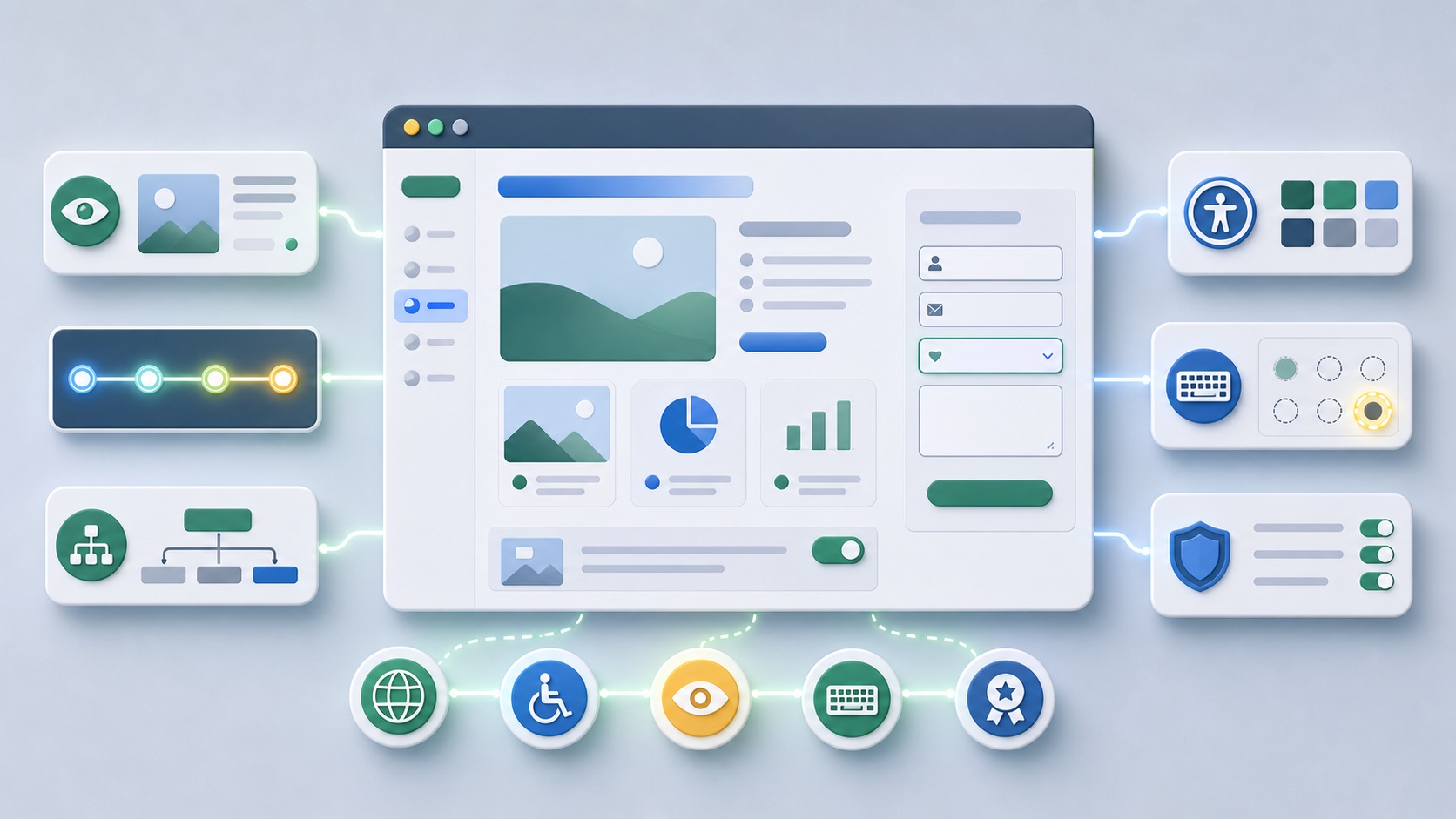
 AI-generated illustration
Accessibility and SEO thinking together: better use, better structureWhy Accessibility is not a side project for search engine optimization
Connect accessibility and SEO: semantics, alt texts, keyboard operation, contrasts, forms, structure and user-friendliness practical.
Many accessibility measures simultaneously improve the structure, comprehensibility and technical quality of a website.
Classification and SEO relevance
The article helps teams not plan accessibility in isolation from SEO, UX and conversion.
Search engines are not screen readers, but both benefit from clean structure. Semantic headings, descriptive link texts, alt texts, accessible forms and stable navigation help people and machines to better understand content.
Control case: Form label instead of mere placeholder
A contact form shows only one placeholder in the e-mail field. As soon as someone taps, the label disappears. Check a permanently visible, programmatically assigned label as well as understandable error messages. Repeat the process with a keyboard and an enlarged view.
An automatic test can detect missing assignments, but not assess the overall comprehensibility of the form. Therefore, separately document technical findings and manually observed operating hurdles.
Recommended approach
- Check templates for semantic structure, focus guidance and meaningful link texts.
- Create content rules for alt texts, headlines, tables and media.
- Test central workflows with keyboard and screen reader-related behavior.
- Connect accessibility finds with SEO QA and conversion verification.
- Anchor accessibility in the design system, editing and deployment process.
Typical errors
- Alt texts only with keywords fuel
- Visually design buttons and links, but incorrectly output semantically
- Use headings for design instead of structure
- Build forms without labels or error messages
- Only treat accessibility as an audit attachment after launch
Practice checklist
- Does each page have a meaningful H1 and clear headline hierarchy?
- Are link texts without context understandable?
- Do alt texts describe the purpose of the image instead of stuffing keywords?
- Are forms with labels, hints and errors operable?
- Is the keyboard focus visible?
- Are contrasts and responsive layouts sufficient?
How to identify improvements
- Number of critical accessibility finds
- Error in heading and link structure
- Form submissions
- Use of central workflows on mobile devices
- Organic performance of affected templates
Related Articles and Next Meaningful Steps
Frequent questions
Is accessibility a direct ranking factor?
Many individual aspects are rather indirect quality signals. Nevertheless, accessibility often improves structure, usability and conversion.
How do you write good alt texts?
Describe the purpose of the image in context. Decorative images do not need keyword text.
Who should be responsible?
Design, development, editing and SEO together. Accessibility is a process, not a single test.
Conclusion
Start with central user paths such as inquiry, search and purchase. Automatic checks provide starting points; a robust assessment also requires manual checks and is not a blanket certificate of conformity.