
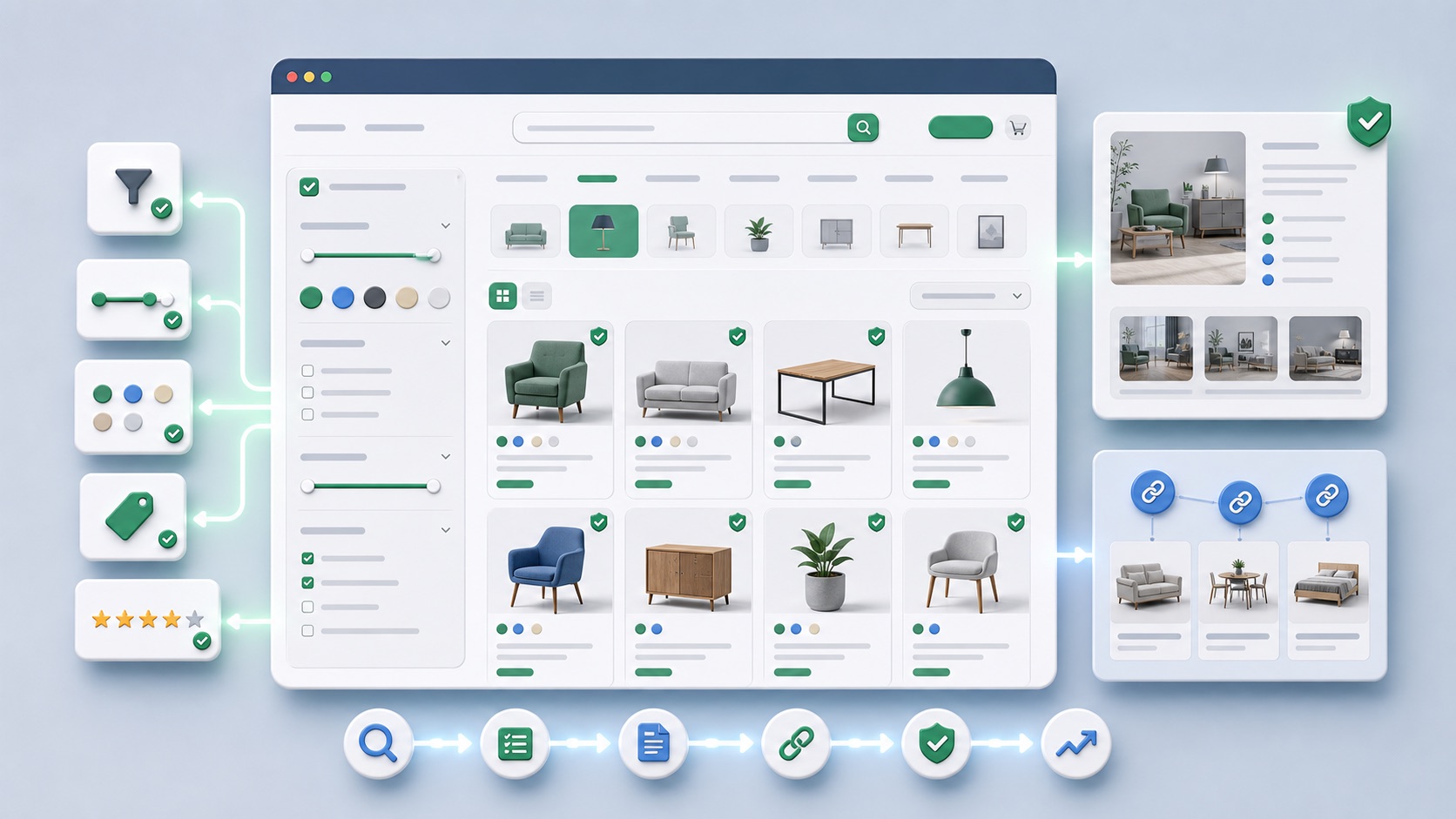
 AI-generated illustration
Optimize shop category pages: Connect search intentions, filters and content correctlyWhy Categories Need More Than Product Lists and SEO Text Below
Optimize shop category pages for SEO: use search intentions, filters, internal links, texts, product data, sorting and indexing correctly.
Strong category pages combine product selection, filter logic, consulting, internal links and technical control to create a clear buying and search experience.
Classification and SEO relevance
The article shows how shops improve category templates from an SEO and user perspective.
Category pages are often the most important organic entry pages in the shop. You have to be understandable for search engines and quickly lead to the right selection for users. Pure footer text rarely solves this problem.
Control case: Text of the guide covers the product selection
A category starts mobile with long definitions; filters and products only appear far below. Check if visitors want to select and compare first. Place decision-relevant hints where they support the selection, instead of making text sets an end in themselves.
Compare searches by category, product type, and advice. A detailed guide can be useful separately and linked appropriately. The category must continue to show available products and usable choices.
Recommended approach
- Analyze the search intention per category: discover, compare, buy or consult.
- Arrange subcategories, filters, and guide links by user logic.
- Place short auxiliary texts and decision aids visibly in the upper or middle area.
- Control indexable filter combinations consciously.
- Measure organic entry, filter interactions, product clicks, and revenue per category.
Typical errors
- Hide long SEO texts below the product list
- Uncontrollably indexing filter pages
- Subcategories and guides do not link contextually
- Do not consider Sorting, Availability and Product Data as an SEO topic
- All categories with the same text structure
Practice checklist
- Is the range in the first screen understandable?
- Are the main subcategories visibly linked?
- Do filters really help in the decision?
- Are indexable filter pages strategically selected?
- Are there internal links to advisory and comparison content?
- Are product data, images and availability clean?
How to identify improvements
- Organic entries per category
- Product Click Rate from Category
- Filter use and search refinements
- Indexing of Category and Filter Pages
- Sales per organic category entry
Related Articles and Next Meaningful Steps
Frequent questions
Does Every Category Need SEO Text?
Not necessarily long, but it should give users orientation and answer important questions visibly.
Should filter pages rank?
Only selected combinations with search demand and own benefit should be indexable.
Which is more important: text or product selection?
Both, but the product selection and user guidance are usually the core for shop categories.
Conclusion
Align categories according to the specific selection task. Complete advice specifically and check empty lists, filters and mobile operation as part of the same page.