
GDPR Tracking Tools for Cookies, Consent and Tracker
Individual tools for typical data protection and tracking issues: cookies, pre-consent tracking, third-party providers, Google Consent Mode, browser storage, CMP, economical analytics and form tracking. Each tool checks a URL for free and leads to a joint website audit with up to 20 URLs for free and up to 2,500 URLs after one-time unlock.
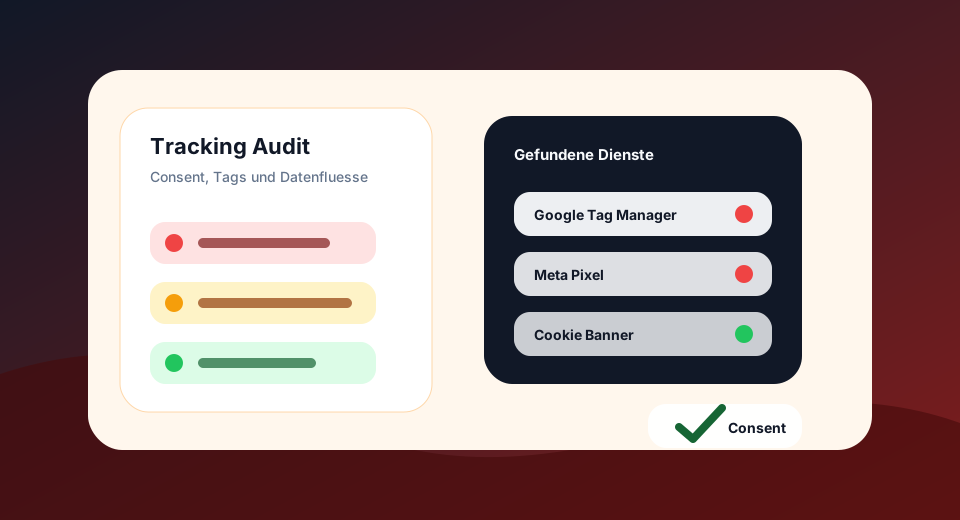
Combining technical findings into a comprehensible test protocol
Start with a specific question: Which resources are loaded before a selection, which service writes a memory value, or where does a form submit its data? For this, select a representative URL and record the examined state. A test of consent answers a question other than a fresh call without prior selection.
Then assign the results to an integration or a day. A name found in the HTML can be a clue, but does not yet prove a data transmission that has been executed. For the follow-up audit, browser network protocol and memory view are helpful. Keep technical observation, presumed purpose and legal classification separately.
Cookie scanner
Check set cookie, document.cookie, attributes and tracking cookie candidates.
Pre-Consent Tracking Check
Recognize tracking and pixel candidates in the initial HTML of a URL.
Third-party Tracker Finder
Make trackers, external script hosts, videos, fonts and provider signals visible.
Google Consent Mode Check
Check gtag consent, analytics_storage, ad_storage and default signals.
Browser Storage Check
LocalStorage, SessionStorage, IndexedDB and fingerprinting candidates.
CMP and Cookie Banner Check
Technically check CMP, Reject, Settings, Revocation and Cookie Links.
Analytics without Consent Check
Technically distinguish economical analytics candidates and marketing tracking.
Form Tracking Checker
Check Form Actions, External Targets, GET, HTTPS and Privacy Notices.
GDPR Tracking Audit
Up to 2,500 URLs, provider lists, consent finding, priorities and CSV export after unlocking.
Which GDPR tracking tool fits which problem?
Cookies and storage unclear
Start with Cookie Scanner and Browser Storage Check to see header, JavaScript and storage signals.
Tracking suspected before consent
The pre-consent tracking check shows candidates in the initial HTML; then cross-check in the browser with rejected consent.
Day and provider inventory missing
The third-party tracker finder shows external services, hosts and provider signals as a basis for documentation.
Check Banner or Google Consent Mode
Use CMP & Cookie Banner Check as well as Consent Mode Check for technical consent signals.
Individual tools answer specific questions, the audit shows patterns
Many users are not looking directly for a complete GDPR audit, but for a specific problem: checking cookies, finding trackers, testing Consent Mode or checking form targets.
The individual tools help with a specific URL. For recurring findings on several templates, you can use the GDPR Tracking Audit and export the results as CSV for further processing after activation.