
Pre-Consent Tracking Check
Recognize tracking and third-party candidates who are already visible in the initial delivered page before a user actively consents.
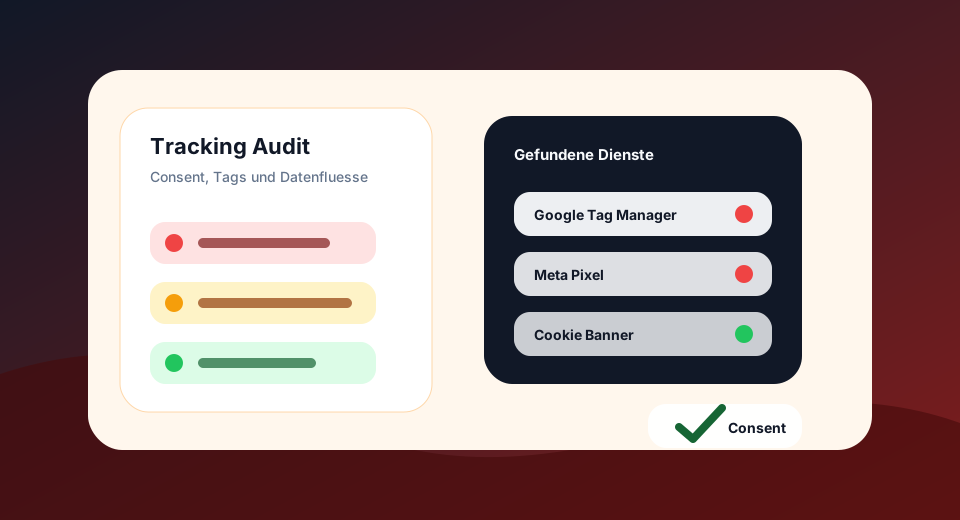
Ideal for consent QA, tag manager control, and quick risk analysis after new marketing tags.
Results
Technical pre-checking of a URL. For multiple URLs, templates and CSV exports, use the GDPR Tracking Audit.
Findings
Detailed hit
What the Pre-Consent Tracking Check evaluated
The exam is deliberately fast and focused. It recognizes technical signals in headers, HTML, JavaScript and resources. Interactions with banners, login, forms and tag triggers should be additionally checked in the browser.
Examine tracking before banner selection
Illustrative example · no measurement result of your website
<script src="https://www.googletagmanager.com/gtm.js?id=GTM-EXAMPLE"></script>A direct loadable script reference is a starting point for the examination. A blocked script with an unexecutable type attribute or just a mention in the text should be treated differently. The HTML find alone does not yet show an executed measurement.
Then check the results in the browser.
- Start without existing cookies or stored consent. Record the network activity from the first page call.
- Check which requests occur before a selection, after rejecting and after agreeing. Distinguish script retrieval and measurement event.
- Repeat the process on a page with video, form or card embedding: The homepage often does not cover these triggers.
What this check leaves open
The tool does not simulate banner clicks and no chronological sequence in the browser. Server-side tracking and tags loaded only after interactions cannot be excluded by this retrieval.
Assigning detected CMP signals →From individual check to GDPR tracking audit
A tool shows a concrete symptom. The audit checks up to 500 URLs, prioritizes tracking, consent and form risks, and provides export data.
Targeted deepening of GDPR tracking
Check which cookies a URL technically shows, whether tracking cookie candidates appear and which attributes such as Secure, HttpOnly or SameSite are set.
Third party third partiesFind well-known tracking services, external script hosts, and third-party integrations that are relevant to consent, privacy, and tag governance.
Google Consent ModeCheck if Google tags have technical consent mode signals visible and if denied/granted hints appear in the code.
Storage & FingerprintingRecognize technical storage and access signals such as cookies, LocalStorage, SessionStorage, IndexedDB and fingerprinting candidates.
Consent UXCheck whether known consent management platforms and important banner signals such as rejection, settings and revocation are technically findable.
Web analysisCheck if a URL contains more frugal analytics candidates or marketing/tracking signals requiring consent.
Questions about Pre-Consent Tracking Check
Does the check prove pre-consent tracking?
No. It shows technical candidates in the initial HTML. Whether requests or cookies really fire before consent must be checked in the browser network panel.
Why use it anyway?
Many risks are already visible in the delivered code: tags, pixels, gtag/gtm snippets or external script hosts.
Is the individual check free of charge?
Yes. The standalone tools check a single URL. For larger crawls, complete tables and CSV export, the premium audit is planned.
Does the tool replace legal advice?
No. The tools provide technical pre-testing. Legal bases, contracts, information obligations and concrete consent flows must be subject to technical review.