
Form Tracking Checker
Check forms for external goals, unsafe actions, GET method, privacy notices, and personal input fields.
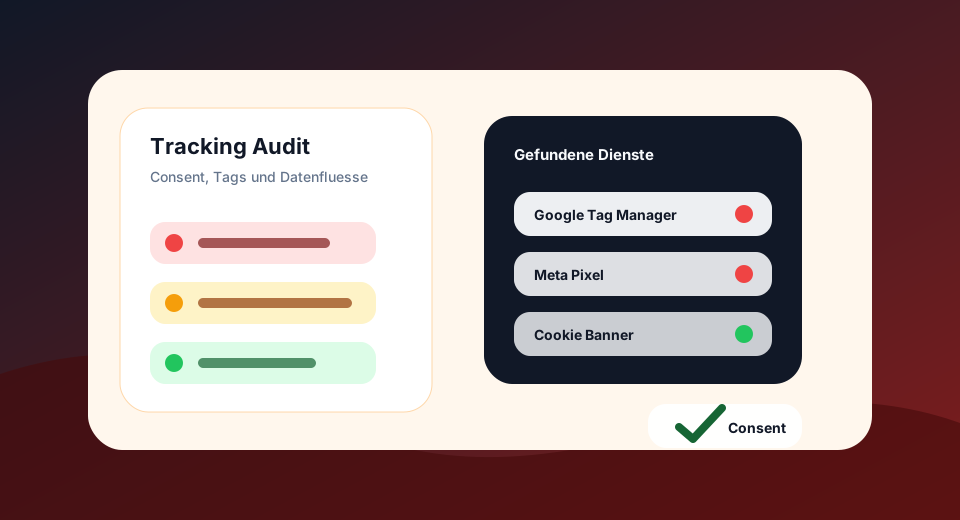
Ideal for contact pages, newsletters, lead forms, landing pages and CRM connections.
Results
Technical pre-checking of a URL. For multiple URLs, templates and CSV exports, use the GDPR Tracking Audit.
Findings
Detailed hit
What the Form Tracking Checker evaluated
The exam is deliberately fast and focused. It recognizes technical signals in headers, HTML, JavaScript and resources. Interactions with banners, login, forms and tag triggers should be additionally checked in the browser.
Check form destination, fields and accompanying tracking
Illustrative example · no measurement result of your website
<form action="https://forms.example.org/contact" method="post">…</form>An external form destination shows a technical handover point. Visible field types, method and notes in the form provide further clues. From this, it is not yet possible to deduce which data are actually transmitted or subsequently processed when sending.
Then check the results in the browser.
- Check action, method and existing fields. Also look for hidden fields and JavaScript-added values.
- Test the process in a suitable test environment with invented data and observe the network requests.
- Compare regular broadcasting, analytics events, and session replay. Free texts, e-mail addresses and other inputs should not unintentionally end up in measurement events.
What this check leaves open
The tool does not send forms. AJAX endpoints, validation, server-side sharing and masking in replay tools are not reliably verifiable from the HTML structure alone.
Find external services on the form page →From individual check to GDPR tracking audit
A tool shows a concrete symptom. The audit checks up to 500 URLs, prioritizes tracking, consent and form risks, and provides export data.
Targeted deepening of GDPR tracking
Check which cookies a URL technically shows, whether tracking cookie candidates appear and which attributes such as Secure, HttpOnly or SameSite are set.
Before consentRecognize tracking and third-party candidates who are already visible in the initial delivered page before a user actively consents.
Third party third partiesFind well-known tracking services, external script hosts, and third-party integrations that are relevant to consent, privacy, and tag governance.
Google Consent ModeCheck if Google tags have technical consent mode signals visible and if denied/granted hints appear in the code.
Storage & FingerprintingRecognize technical storage and access signals such as cookies, LocalStorage, SessionStorage, IndexedDB and fingerprinting candidates.
Consent UXCheck whether known consent management platforms and important banner signals such as rejection, settings and revocation are technically findable.
Questions about Form Tracking Checker
Why are Form Actions Important?
They show where data is technically sent. External or uncertain targets must be particularly well documented and secured.
Does the tool find all data flows?
No. JavaScript submit handlers and reloaded CRM scripts should also be checked in the browser network panel.
Is the individual check free of charge?
Yes. The standalone tools check a single URL. For larger crawls, complete tables and CSV export, the premium audit is planned.
Does the tool replace legal advice?
No. The tools provide technical pre-testing. Legal bases, contracts, information obligations and concrete consent flows must be subject to technical review.